
Understanding Instagram Video Formats: Reels, Stories, IGTV & More
iSaver Team
Instagram's Video Ecosystem
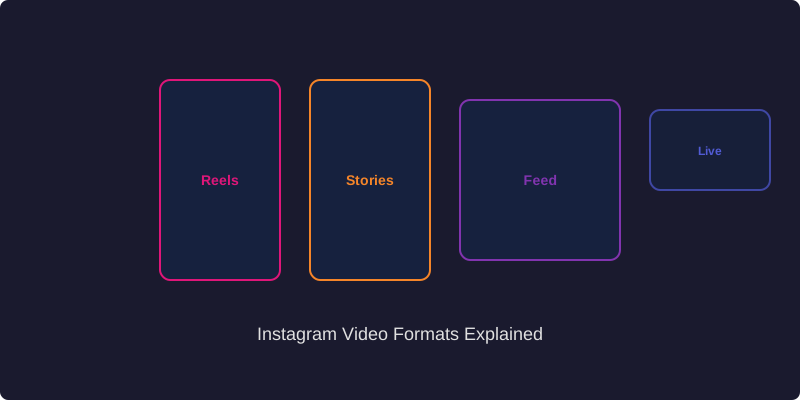
Instagram has evolved from a simple photo-sharing app into a comprehensive video platform. With multiple video formats available, understanding the specifications and best use cases for each format is essential for creating effective content. This guide breaks down every video format Instagram offers and helps you choose the right one for your goals.
Instagram Reels
Reels are Instagram's answer to TikTok and have become the platform's primary short-form video format.
- Duration: Up to 90 seconds
- Aspect Ratio: 9:16 (full-screen vertical)
- Resolution: 1080 x 1920 pixels recommended
- File Format: MP4 recommended
- Best For: Entertainment, tutorials, trending content, viral potential
Reels offer the highest organic reach potential of any Instagram format. They appear in the dedicated Reels tab, the Explore page, and in followers' main feeds. The Reels algorithm can push content to users who do not follow you, making it the best format for growth.
Instagram Stories
Stories are temporary content that disappears after 24 hours, displayed at the top of the Instagram feed.
- Duration: Up to 60 seconds per story slide
- Aspect Ratio: 9:16 (full-screen vertical)
- Resolution: 1080 x 1920 pixels recommended
- File Format: MP4 for videos, JPG/PNG for images
- Best For: Daily updates, behind-the-scenes content, polls, Q&As, time-sensitive content
Stories are ideal for casual, authentic content that engages your existing followers. The interactive features like polls, quizzes, questions, and countdown stickers make Stories uniquely engaging. Stories can be saved permanently using Highlights on your profile.
Feed Videos
Regular video posts that appear in your followers' main feed and on your profile grid.
- Duration: Up to 60 minutes
- Aspect Ratio: 1:1 (square), 4:5 (portrait), or 16:9 (landscape)
- Resolution: Minimum 720p, recommended 1080p
- File Format: MP4 recommended
- Best For: Longer content, professional videos, product demonstrations
Feed videos are great for content that benefits from a longer format and a permanent place on your profile. They appear in your followers' feeds and can be discovered through hashtags and the Explore page.
Instagram Live
Real-time video streaming that allows direct interaction with your audience.
- Duration: Up to 4 hours
- Aspect Ratio: 9:16 (vertical)
- Resolution: Depends on device and connection quality
- Best For: Q&A sessions, product launches, behind-the-scenes events, collaborations
Instagram Live appears at the front of the Stories bar with a special "LIVE" badge, ensuring high visibility. You can invite guests to join your Live, creating collaborative real-time content. After the broadcast, you can share the replay as a video post or Reel.
Video Optimization Tips
- Hook viewers immediately: The first 3 seconds determine whether someone keeps watching. Start with something attention-grabbing.
- Add captions: A significant portion of Instagram users watch videos without sound. Always add text overlays or captions to make your content accessible.
- Optimize for mobile: Instagram is primarily a mobile platform. Always preview your videos on a phone screen before posting.
- Use good lighting: Natural light or a simple ring light can dramatically improve the quality of your videos.
- Keep file sizes manageable: While Instagram accepts large files, extremely large videos may be compressed more aggressively during upload.
Downloading Instagram Videos
Need to download Instagram videos for backup or repurposing? ReelStorySaver supports all Instagram video formats. Simply copy the link to any Instagram video whether it is a Reel, Story, feed video, or Live replay and paste it on ReelStorySaver.app to download in the highest available quality.
Conclusion
Each Instagram video format serves a unique purpose and reaches audiences differently. The most successful creators use a combination of formats to maximize their presence on the platform. Understanding the technical specifications and best practices for each format ensures your content looks professional and performs at its best.